Exporting a project
Open the Analytical Client menu and click the Export button. Alternatively, right-click a project from the Open project menu and choose the Export option.
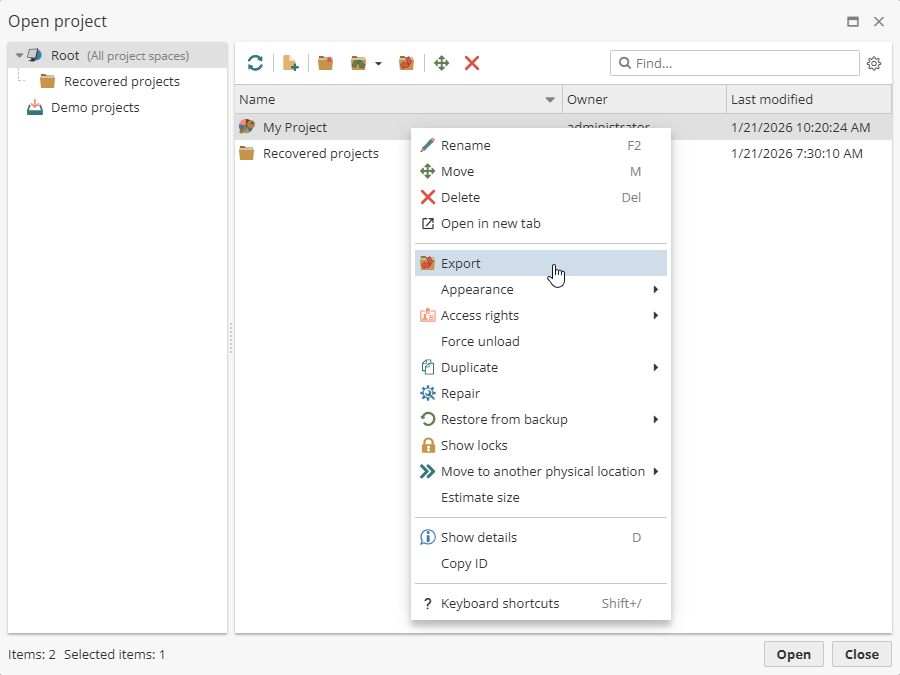
The Export projects window appears.
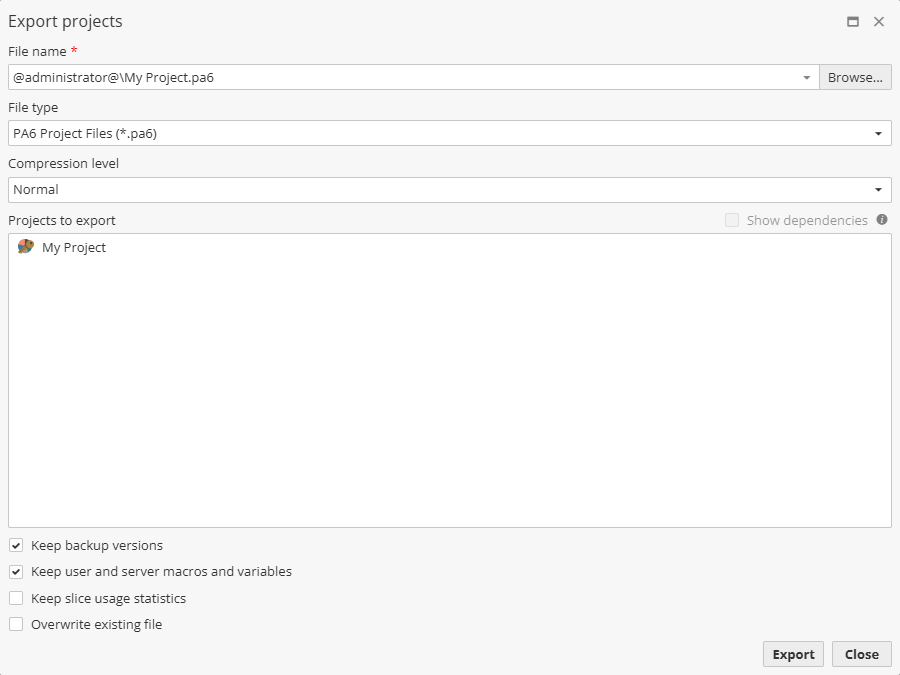
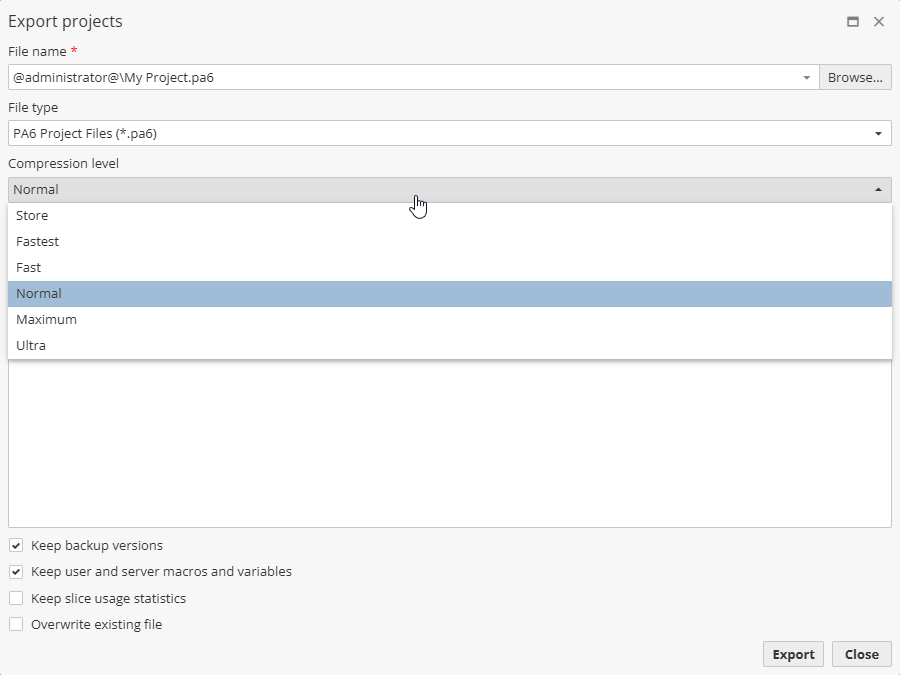
Select a folder, enter a project name, then set file format using the File type menu. If needed set the Compression level. The option determines the degree of project compression and, consequently, the speed of export and successive import of this project.
Via the User setttigs one can check the Add build number option to automatically add the PolyAnalyst server build number when exporting a project in the Export projects window.
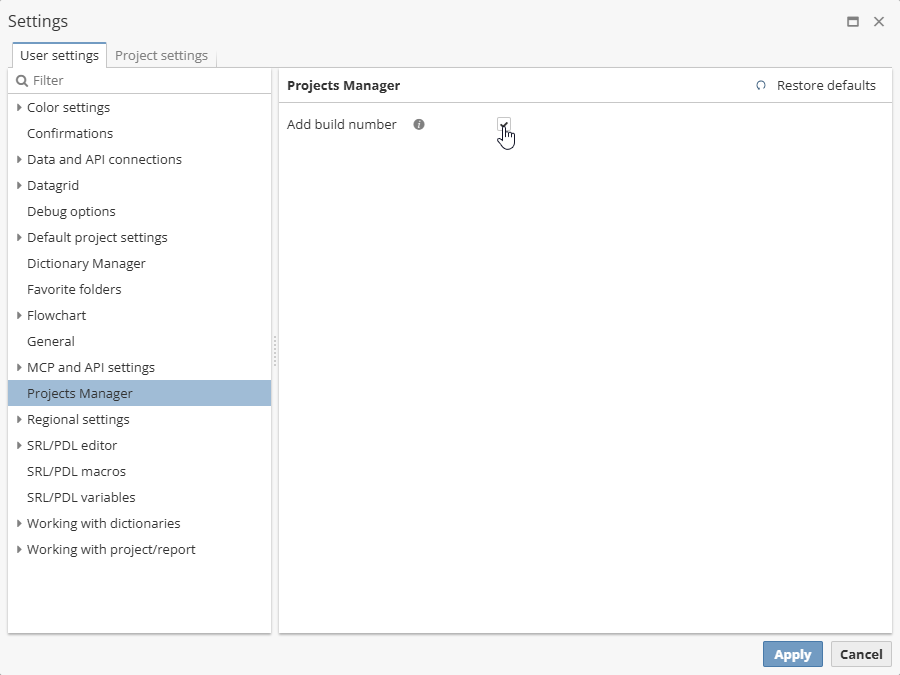
In this case, such a number will be shown in the File name field.
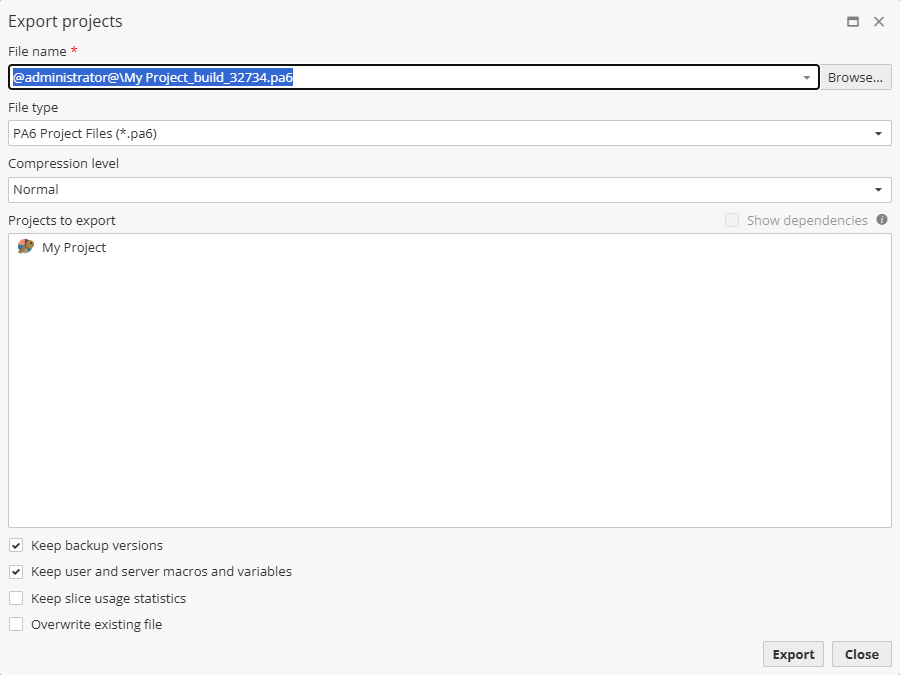
The option Show dependencies (disabled if only default dictionaries are used in the project, or if there are no dependent projects) displays a list of projects and dictionaries that depend on the project being exported.
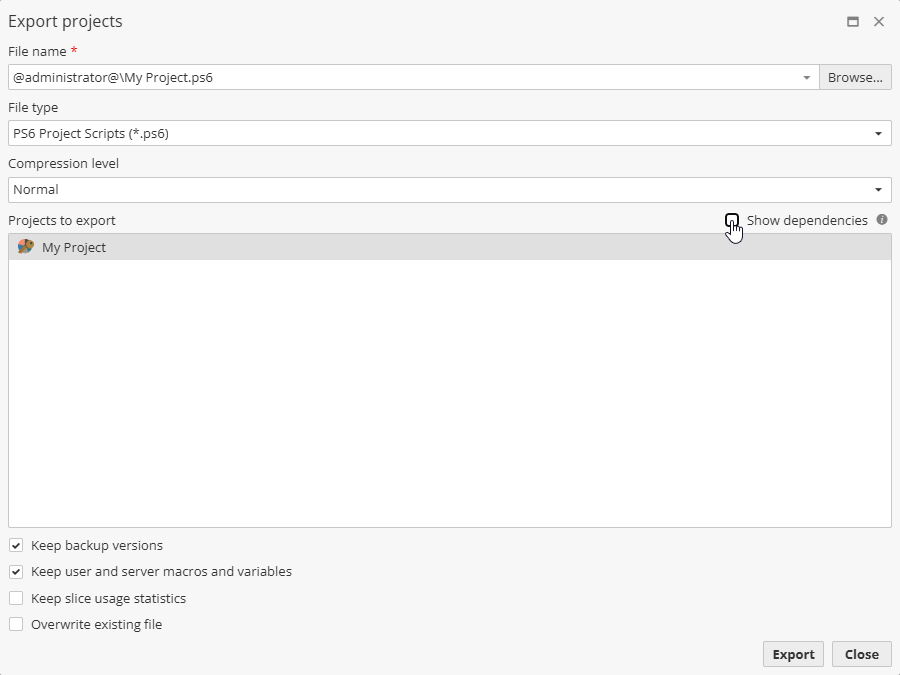
Note that project dependencies can be seen only for the .ps6, .psar6, and .pagridar6 formats.
In the Exported projects field select the user-created and user-modified dictionaries you want to export together with the project or project script:
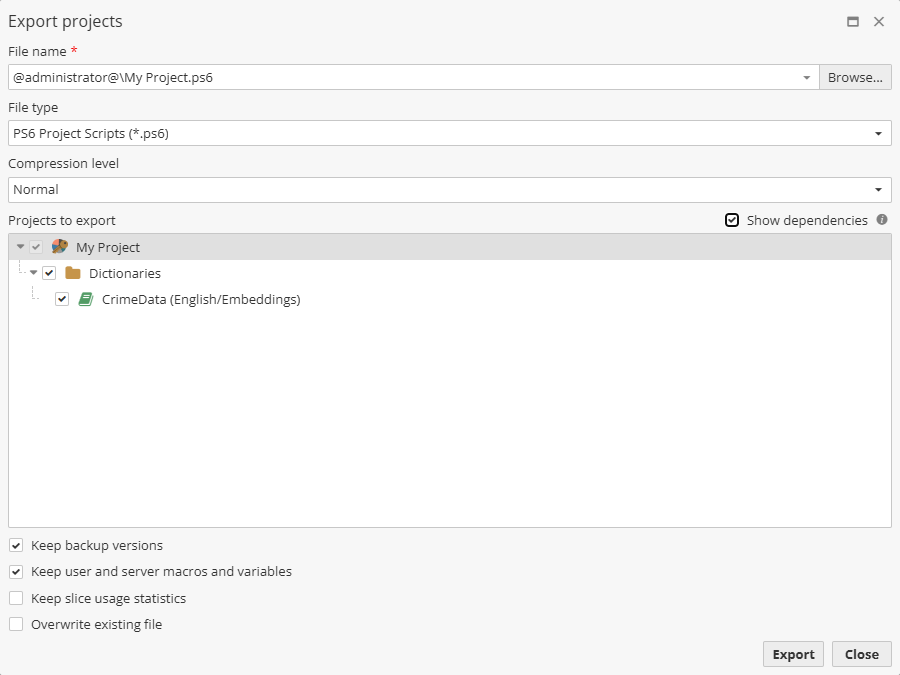
If necessary, uncheck additional options, e.g. Keep backup versions, Keep user and server macros and variables, Overwrite existing file and Download when the export is finished.
Then click the Export button to start the export process.
Wait for the process to complete. Large projects may take a considerable amount of time to export. At the end of the process a message appears confirming that the export completed successfully.
| Project name changes do not take effect until the project is opened. Renaming a project within the Manage projects window can potentially lead to a confusing situation where exporting the project before opening it results in the exported project using the old name. Open the project after renaming it to avoid this situation and then export the project again. |
Exporting a project you also export all non-default server and project parsers. Parser options are described here.