Rule Types
In addition to the standard rules XPDL language features two special rule types: filter and exception rules. They serve to narrow the search when an upper-level rule is too broad and extracts unnecessary patterns.
For instance, consider the task of person names extraction again. The rule in Figure 1 demonstrates a very simple dictionary-based approach to the task and looks for words from the Human Names dictionary followed by a title-cased word (assuming that it might refer to person’s last name).
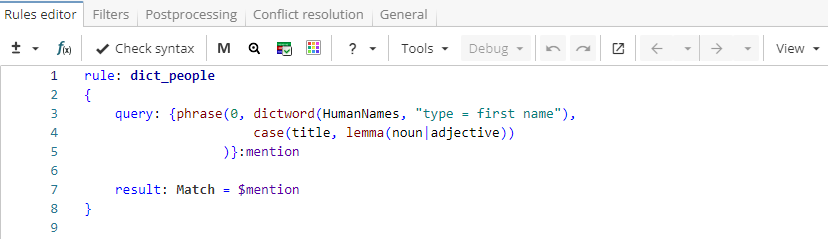
Rule fragment
 rule: dict_people
 {
 query: {phrase(0, dictword(HumanNames, "type=first name"), case(title, lemma(noun|adjective)))}:mention

 result: Match = $mention
 }
The rule is applied to the following text:

When applied to the text above, the rule produces the output shown in Figure 2.

Notice that this rule extracts some invalid results; for instance, companies named after people, such as "William Blair &Co" or "Davis Rea Limited".
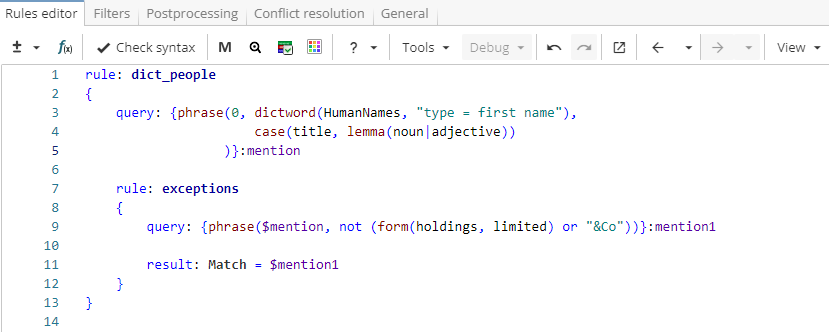
To exclude such cases from the results, a standard nested rule can be added, as shown in Figure 3.
Rule fragment
 rule: dict_people
 {
 query: {phrase(0, dictword(HumanNames, "type = first name"),
 case(title, lemma(noun|adjective))
 )}:mention

 rule: exceptions
 {
 query: {phrase($mention, not (form(holdings, limited) or "&Co"))}:mention1

 result: Match = $mention1
 }
 }
The nested rule "exceptions" extracts matches stored in the named group "mention" if they are not followed by words "holdings", "limited" or "& Co". The rule declares a new named group "mention1" to store matches that meet this restriction. The new named group is necessary because standard rules cannot modify the content of named groups.

The same task can be done with a filter rule or an exception rule.
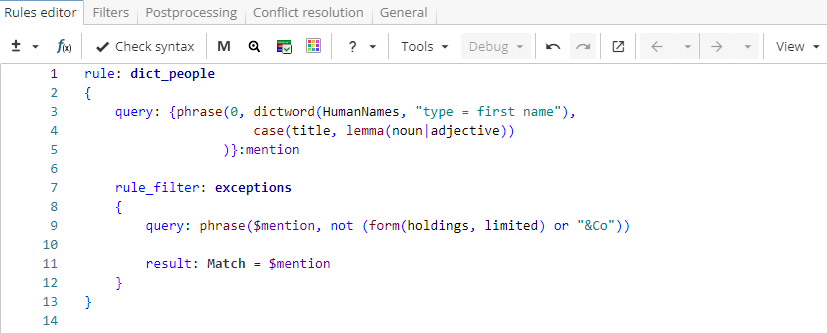
A filter rule declares an inclusion filter, i.e. only patterns matched by the rule’s query are kept for further processing. In our example, we would like to keep a subset of matches from the named group "mention" that are not followed by words "holdings", "limited" or "& Co". The query in the filter rule is exactly the same as in a standard rule, but it is not necessary to declare a new named group because the filter rule modifies the content of all referenced named groups by filtering out positions that the rule’s query does NOT match.
A filter rule starts with the trigger rule_filter: as shown in Figure 5.
Rule fragment
 rule: dict_people
 {
 query: {phrase(0, dictword(HumanNames, "type = first name"),
 case(title, lemma(noun|adjective))
)}:mention

 rule_filter: exceptions
 {
 query: phrase($mention, not (form(holdings, limited) or "&Co"))

 result: Match = $mention
 }
 }
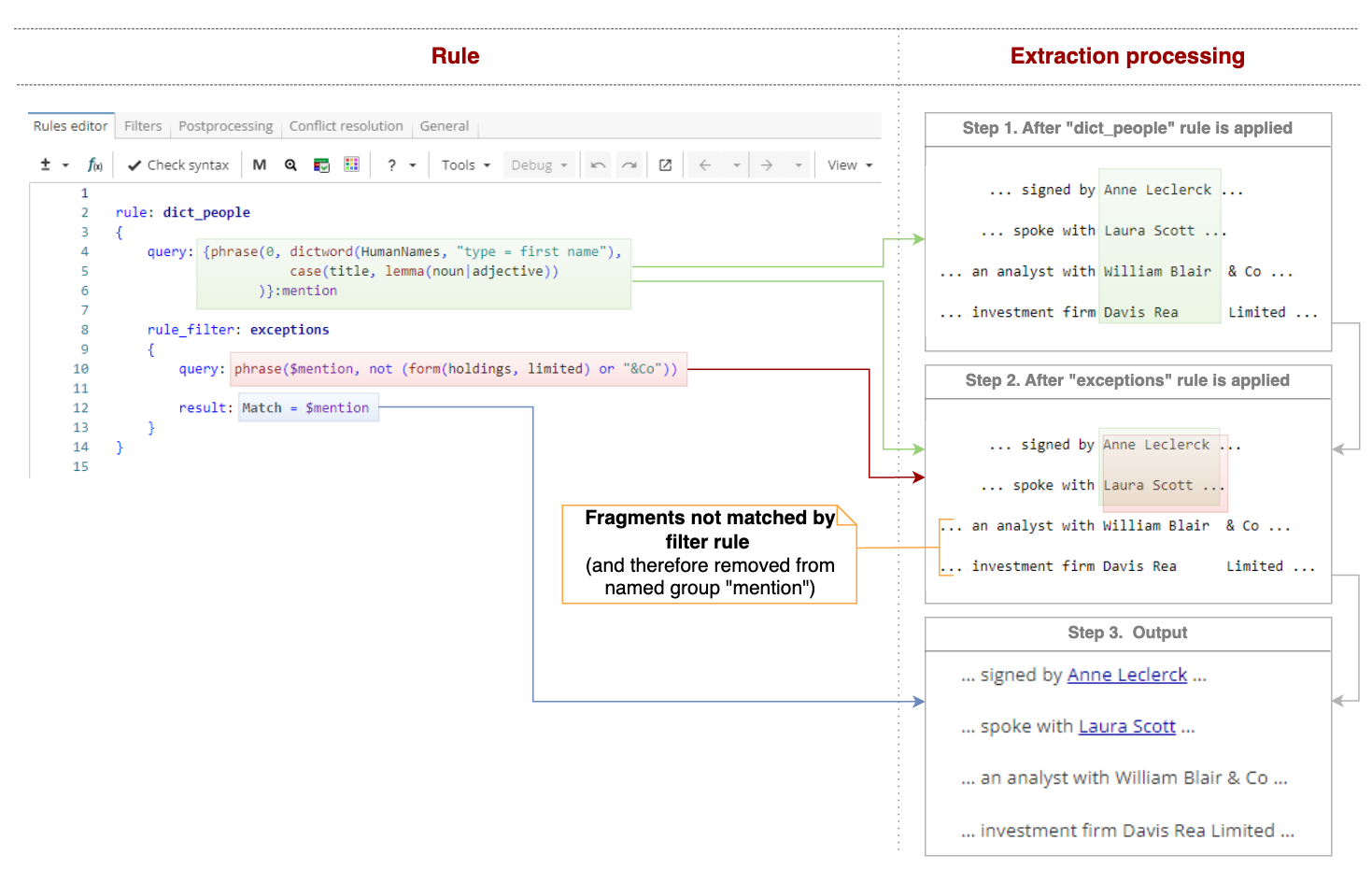
Figure 6 shows the step-by-step extraction process.
An exception rule follows the opposite principle of a filter rule. It declares an exclusion filter, i.e. patterns matched by rule’s query are removed from further processing. In other words, an exception rule’s query describes patterns to remove. In our example, we would like to remove matches from the named group "mention" if they are followed by the words “holdings”, “limited” or “& Co”. So the query will look like the one shown in Figure 7. An exception rule starts with the trigger rule_except:.
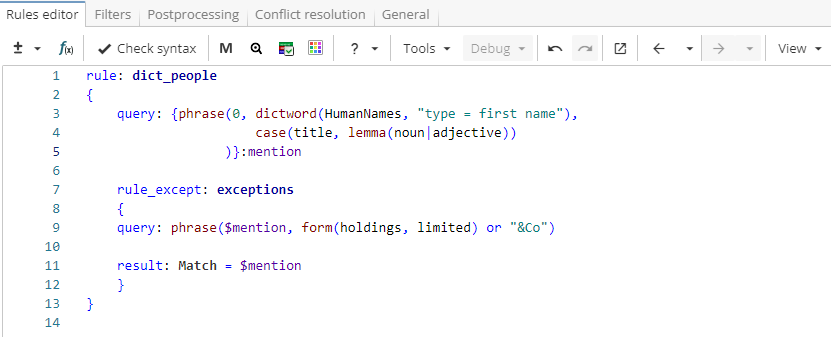
Rule fragment
 rule: dict_people
 {
 query: {phrase(0, dictword(HumanNames, "type = first name"),
 case(title, lemma(noun|adjective))
 )}:mention

 rule_except: exceptions
 {
 query: phrase($mention, form(holdings, limited) or "&Co")

 result: Match = $mention
 }
 }
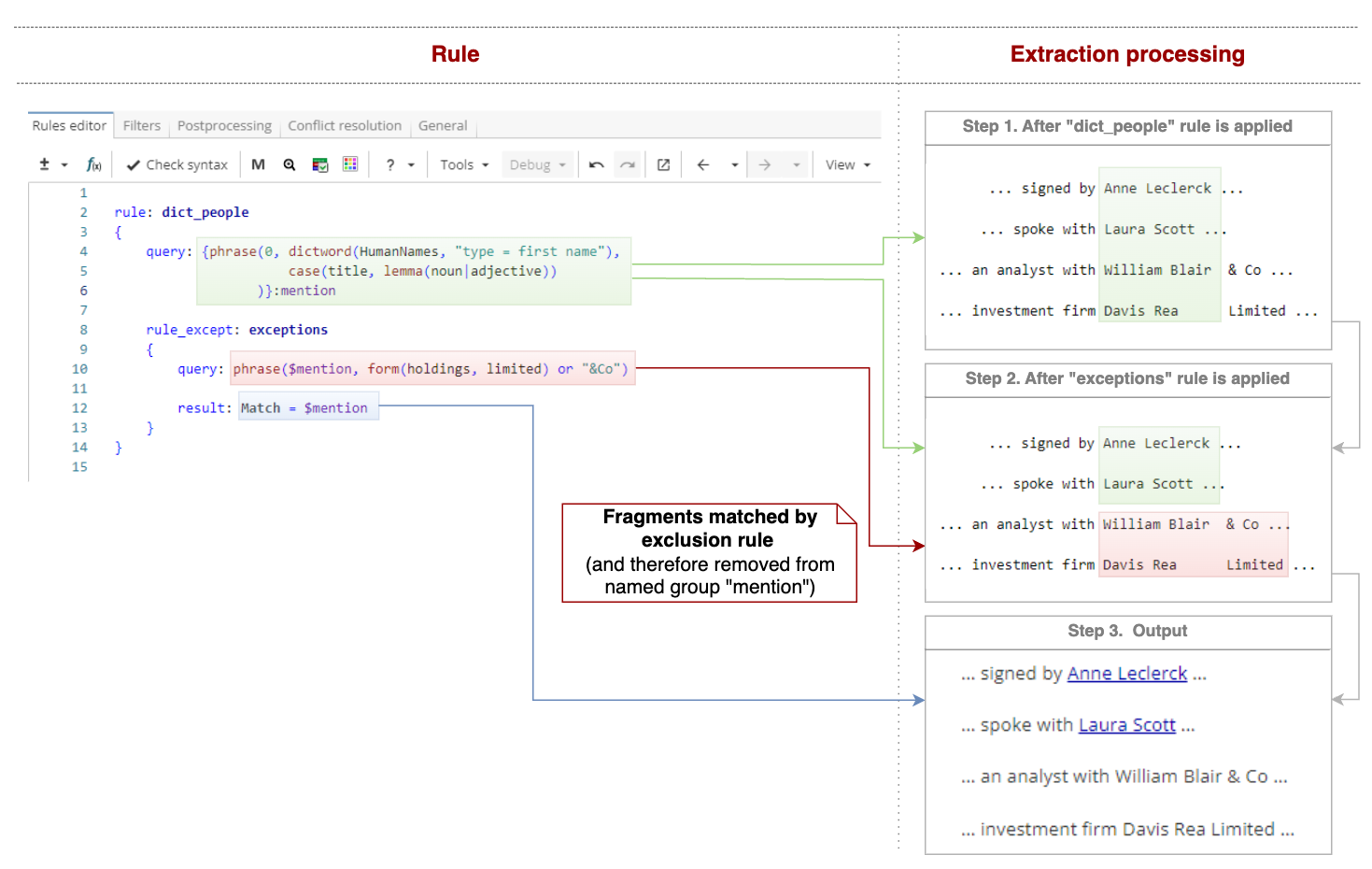
As in the case of a filter rule, a new named group is not necessary because an exception rule modifies the content of all referenced named groups. However, unlike filter rules, exception rules filter out positions matched by the rule’s query.
Figure 8 shows the step-by-step extraction process.
If it is easier to describe patterns that should be extracted from what was found at the upper level, filter rules should be used. If it is easier to describe patterns that should be removed from what was found at the upper level, exception rules should be used.
Standard and specialized rules illustrate two different approaches to the extraction problem. The first approach is about extracting core elements first and then progressively expanding search to extract a more complete match (“Bureau” → “Federal Bureau” → “Federal Bureau of Investigation”). Standard rules follow this logic.
However, sometimes another approach is needed, as it may be easier to write a broad upper-level rule and then progressively filter out unnecessary matches. In this case specialized rules are used, although filtering can also be done using standard rules as was shown in the example above.
Which approach is more efficient depends on the task, but large rule hierarchies usually combine both standard and specialized rules (Rules Examples).