Rule Hierarchies
In the previous section some simple rules for extracting text patterns were introduced. This section focuses on how to organize rules into a hierarchical structure. Such an approach is used for more complicated text patterns which may be difficult to extract with a single rule.
As an example, let us consider a rule in Figure 1 which matches university names based on a linguistic pattern "city or state name followed by the word ‘university’"(e.g. Oxford University, Princeton University, etc.).
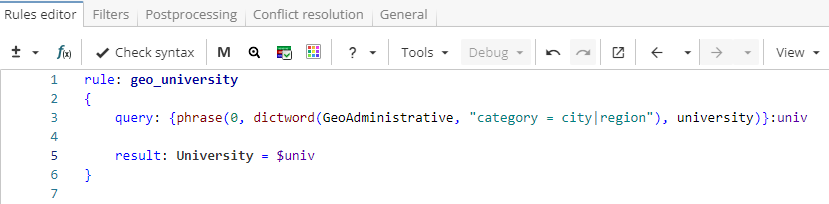
Rule fragment
  rule: geo_university
 {
 query: {phrase(0, dictword(Geoadministrative, "category = city|region"), university)}:univ

 result: University = $univ
 }
This rule matches patterns such as "Oxford University" or "Princeton University", but there are more complex names, for example, "Osaka University of Economics". One way to match both patterns is to add a neighbour rule as shown in Figure 2.
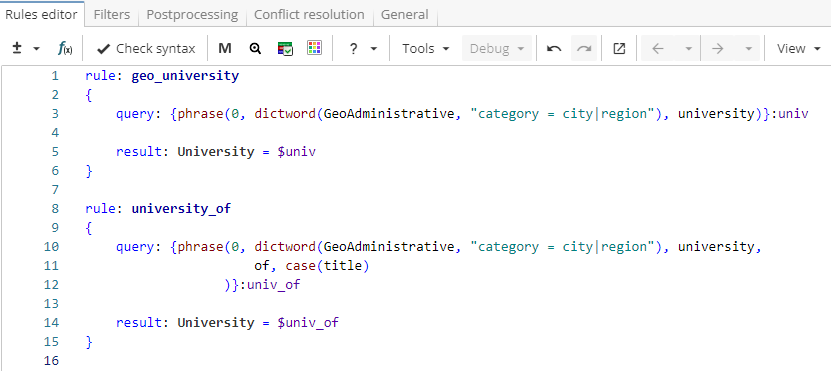
Rule fragment
  rule: geo_university
 {
 query: {phrase(dictword(Geoadministrative, "category = city|region"), university)}:univ

 result: University = $univ
 }

 rule: university_of
 {
 query: {phrase(0, dictword(Geoadministrative, "category = city|region"), of, case(title))}:univ_of

 result: University = $univ_of
 }
Notice, however, that the two rules have a common part - "city/state name followed by the word ‘university’"(e.g. Oxford/Princeton/Osaka University). For sequences of words that are matched by both rules, this part gets extracted twice - first, by the rule "geo_university" and then by the rule "university_of". The way to optimize it is to replace the neighbour rule with a child rule. A child rule can use everything that was extracted by a parent rule through backreference. As shown in Figure 3, the common part is extracted in the parent rule and stored as a named group "univ" so that the child rule could use it via $univ reference. In this case the pattern "city/state name followed by the word ‘university’" is found only once.
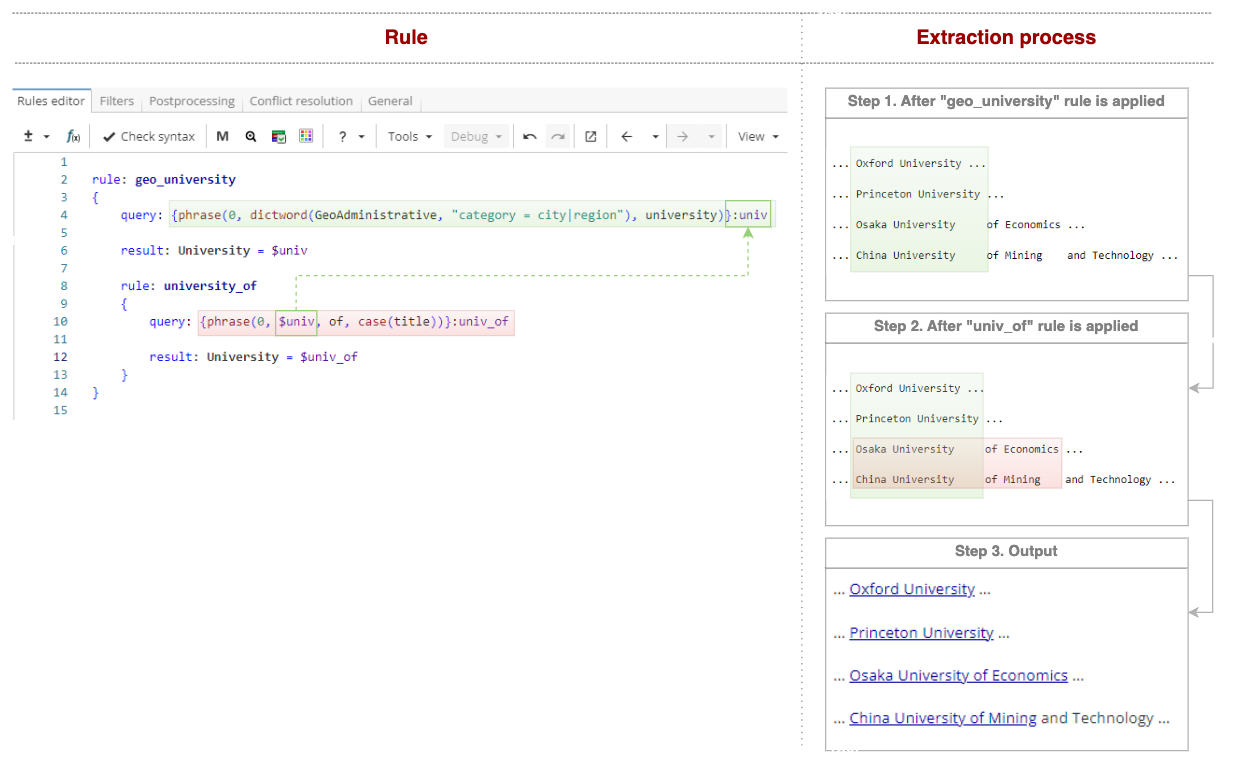
Rule fragment
  rule: geo_university
 {
 query: {phrase(dictword(Geoadministrative, "category = city|region"), university)}:univ

 result: University = $univ

 	rule: university_of
 	{
 	query: {phrase(0, $univ, of, 	case(title))}:univ_of

 	result: University = $univ_of
 	}
 }
The rules can be extended further to match patterns like "Beijing University of Mining And Technology" as shown in Figure 4.
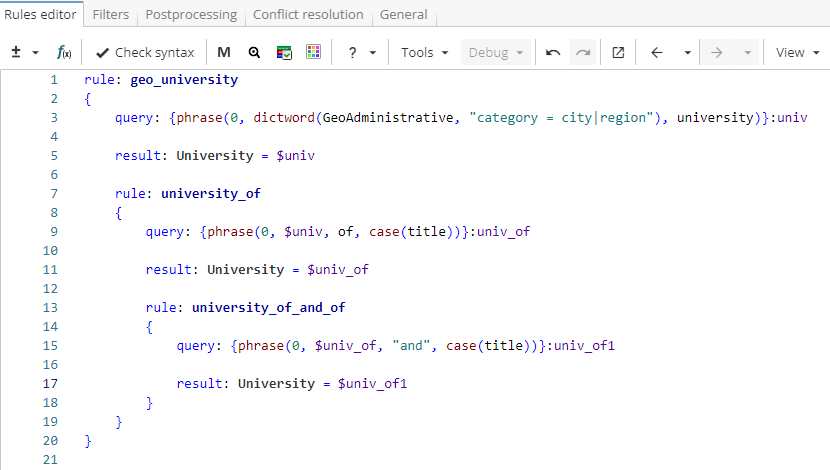
Rule fragment
rule: geo_university
{
 query: {phrase(0, dictword(GeoAdministrative, "category = city|region"), university)}:univ

 result: University = $univ

 rule: university_of
 {
 query: {phrase(0, $univ, of, case(title))}:univ_of

 result: University = $univ_of

  rule: university_of_and_of
  {
  query: {phrase(0, $univ_of, "and", case(title))}:univ_of1

  result: University = $univ_of1
  }
 }
}
Note. XPDL often provides multiple ways to get the same results, so, as shown in Figure 5, a single rule could be used instead for exactly the same outcome.
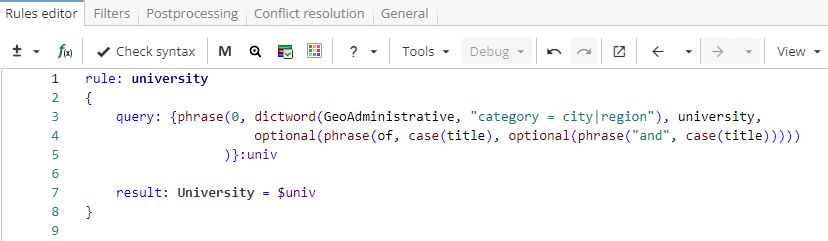
Rule fragment
rule: university
 {
 query: {phrase(0, dictword(GeoAdministrative, "category = city|region"), university,
 optional(phrase(of, case(title), optional(phrase("and", case(title)))))
 )}:univ

 result: University = $univ
 }
However, in such cases the query becomes difficult to read and extend. So it is recommended to split a single rule that contains a complicated query into a rule hierarchy that consists of several simpler rules. Simple rules are easier to read, maintain and recompose if necessary. Thus, a hierarchical structure often allows a more readable and scalable solution.
Rule hierarchies can have one or several parent rules and as many child rules as needed. A rule can have one or more child rules or neighbours.
For instance, the example rule from Figure 4, the rule "univ_short" is a neighbour to the rule "geo_university" and it searches for short university names using the contexts like "graduate from" or "student at", i.e. it matches phrases like "student at Yale" or "graduate from Massachusetts".
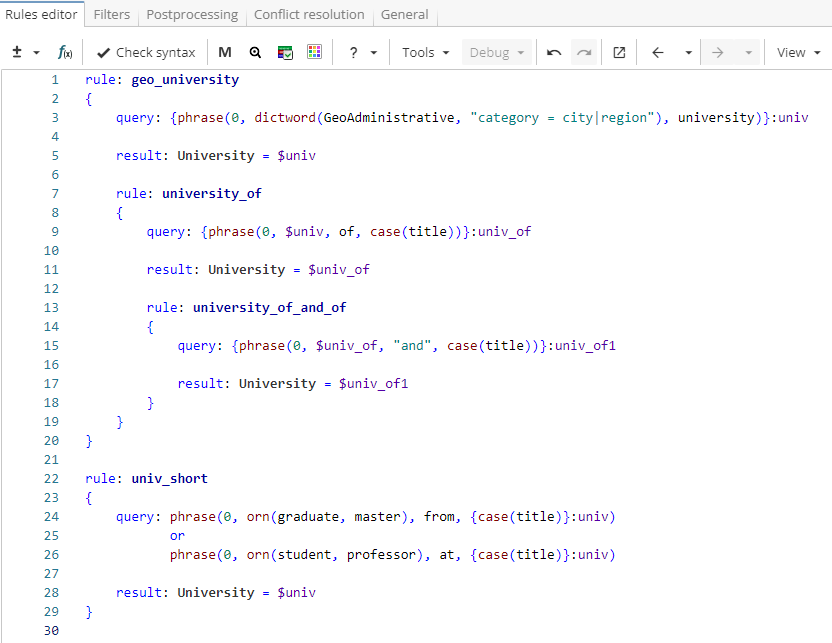
Rule fragment
 rule: geo_university
 {
 query: {phrase(0, dictword(GeoAdministrative, "category = city|region"), university)}:univ

 result: University = $univ

 rule: university_of
 {
 query: {phrase(0, $univ, of, case(title))}:univ_of

 result: University = $univ_of

 rule: university_of_and_of
 {
 query: {phrase(0, $univ_of, "and", case(title))}:univ_of1

 result: University = $univ_of1
 }
 }
 }

 rule: univ_short
 {
 query: phrase(0, orn(graduate, master), from, {case(title)}:univ)
 or
 phrase(0, orn(student, professor), at, {case(title)}:univ)

 result: University = $univ
 }