Unordered Proximity Search
Search within a given range
The near() function finds sequences of arguments in unspecified order within specified distance.
near() accepts words and phrases in any form, as well as other word or sequence search functions, as arguments.
Syntax
The optional parameter distance is used to set the maximum allowed difference between the positions of the first and the last argument of the sequence. Its default value is 1.
The function also supports the following optional named parameters:
Parameter |
Explanation |
distance |
Sets exact difference in positions between the first and the last argument of the sequence. |
min_distance |
Sets minimum difference in positions between the first and the last argument of the sequence. |
max_distance |
Sets maximum difference in positions between the first and the last argument of the sequence. Synonymous to the optional parameter distance. |
range |
Sets exact length of the sequence in tokens. |
min_range |
Sets minimum length of the sequence in tokens. |
max_range |
Sets maximum length of the sequence in tokens. |
gap |
Sets exact number of tokens between arguments of the sequence. |
min_gap |
Sets minimum number of tokens between arguments of the sequence. |
max_gap |
Sets maximum number of tokens between arguments of the sequence. |
interval |
Sets exact difference in positions between arguments of the sequence. |
min_interval |
Sets minimum difference in positions between arguments of the sequence. |
max_interval |
Sets maximum difference in positions between arguments of the sequence. |
Optional named parameters allow_punct and allow_space regulate whether, correspondingly, punctuation marks and spaces are allowed within the sequence. The parameters take on the following values:
Value |
Explanation |
yes (default value) |
Punctuation marks/spaces are allowed within the sequence. |
no |
Punctuation marks/spaces are not allowed within the sequence. |
Note
Characters such as number sign (#), ampersand (&), commercial at sign (@) and percent sign (%) are considered special symbols in PolyAnalyst rather than punctuation. Thus, they are included in the distance count.
Examples
The optional named parameter match regulates the volume of text extracted by the function. The parameter takes on the following values:
Value |
Explanation |
arguments (default value) |
Only the arguments listed inside the function are extracted. |
range |
The whole fragment of text between the first and the last argument is extracted. |
Example
Notes
-
The function snear(), synonymous to sentence(near()), is used to find sequences of arguments in unspecified order within one sentence.
-
The function fnear() is used to find sequences of arguments in specified order within specified distance.
The functions support the same named parameters as the near() function.
Examples
Search within a sentence
The function sentence() finds sequences of arguments in unspecified order within the specified number of sentences.
sentence() accepts words and phrases in any form, as well as other word or sequence search functions, as arguments.
Syntax
This function has no required arguments. When called without arguments, the function matches all sentences. The optional parameter distance allows to set the maximum amount of sentences, within which the arguments should be found. Its default value is 1.
The optional named parameter match regulates the volume of text extracted by the function. The parameter takes on the following values:
Value |
Explanation |
arguments (default value) |
Only the arguments listed inside the function are extracted. |
range |
The whole fragment of text between the first and the last arguments is extracted. |
The function also supports the optional named parameter whole:=yes which extracts sentences made up only by the arguments listed in the query.
Example
Note
-
The function sfollow(), synonymous to sentence(follow()) or follow(1,) matches sequences of arguments in specified order within one sentence.
-
The function snear(), synonymous to sentence(near()), is used to find sequences of arguments in unspecified order within one sentence.
Search within a line
The function line() finds sequences of arguments in unspecified order within a specified number of lines.
line() accepts words and phrases in any form, as well as other word or sequence search functions, as arguments.
Syntax
This function has no required arguments. When called without arguments, the function matches all lines.
The optional parameter lines_number allows to set the maximum amount of lines, within which the arguments should be found. Its default value is 1.
The function also supports optional named parameters:
Value |
Explanation |
match:=arguments (default value) |
Only the arguments listed inside the function are extracted. |
match:=range |
The whole fragment of text between the first and the last arguments is extracted. |
whole:=yes |
Whole lines made up by the arguments contained in the query are extracted. |
min_length |
Sets the minimal line’s length in tokens. |
max_length |
Sets the maximal line’s length in tokens. |
Note
The line() function ignores empty lines between arguments.
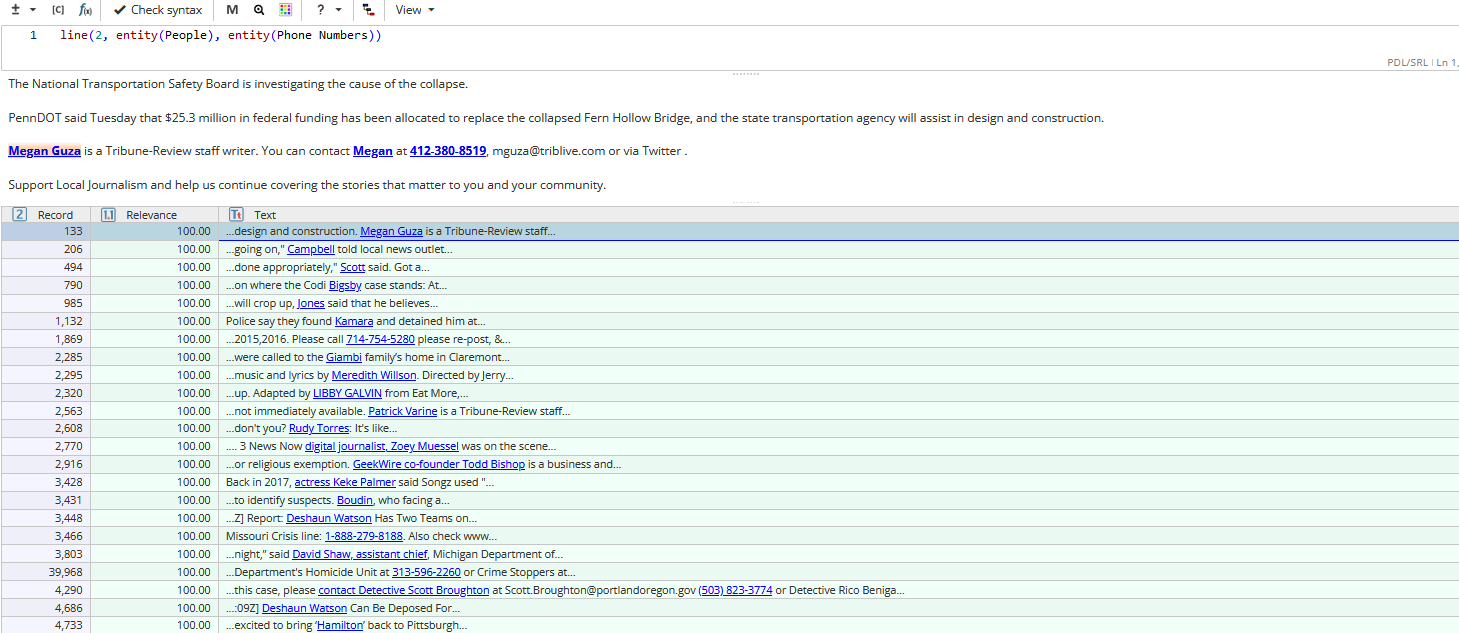
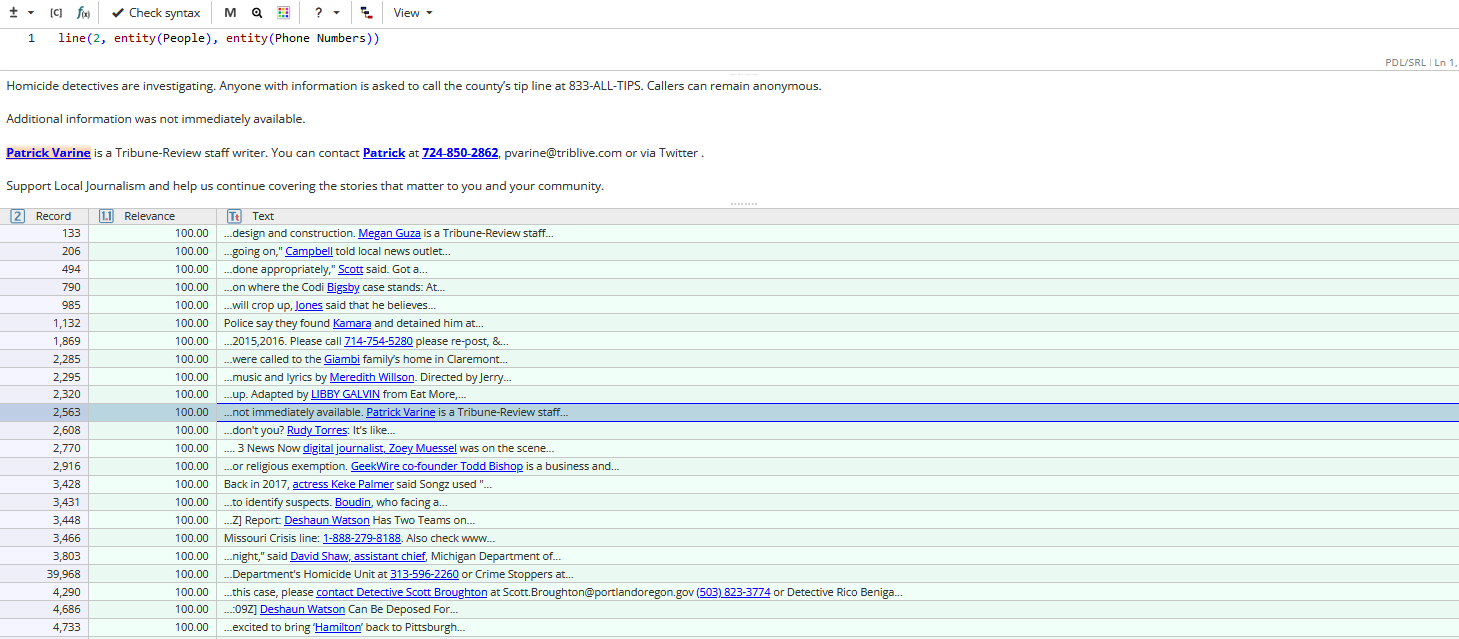
Example
Search within a paragraph
The function paragraph() finds sequences of arguments in unspecified order within a specified number of paragraphs.
paragraph() accepts words and phrases in any form, as well as other word or sequence search functions, as arguments.
Syntax
This function has no required arguments. When called without arguments, the function matches all paragraphs.
The optional parameter paragraphs_number allows to set the maximum amount of paragraphs, within which the arguments should be found. Its default value is 1.
The optional named parameter match regulates the volume of text extracted by the function. The parameter takes on the following values:
Value |
Explanation |
arguments (default value) |
Only the arguments listed inside the function are extracted. |
range |
The whole fragment of text between the first and the last arguments is extracted. |
whole:=yes |
Paragraphs made up only by the arguments listed in the query will be extracted. |
Note
Results of splitting the text into paragraphs can be seen in the Index or Text Tagger nodes.
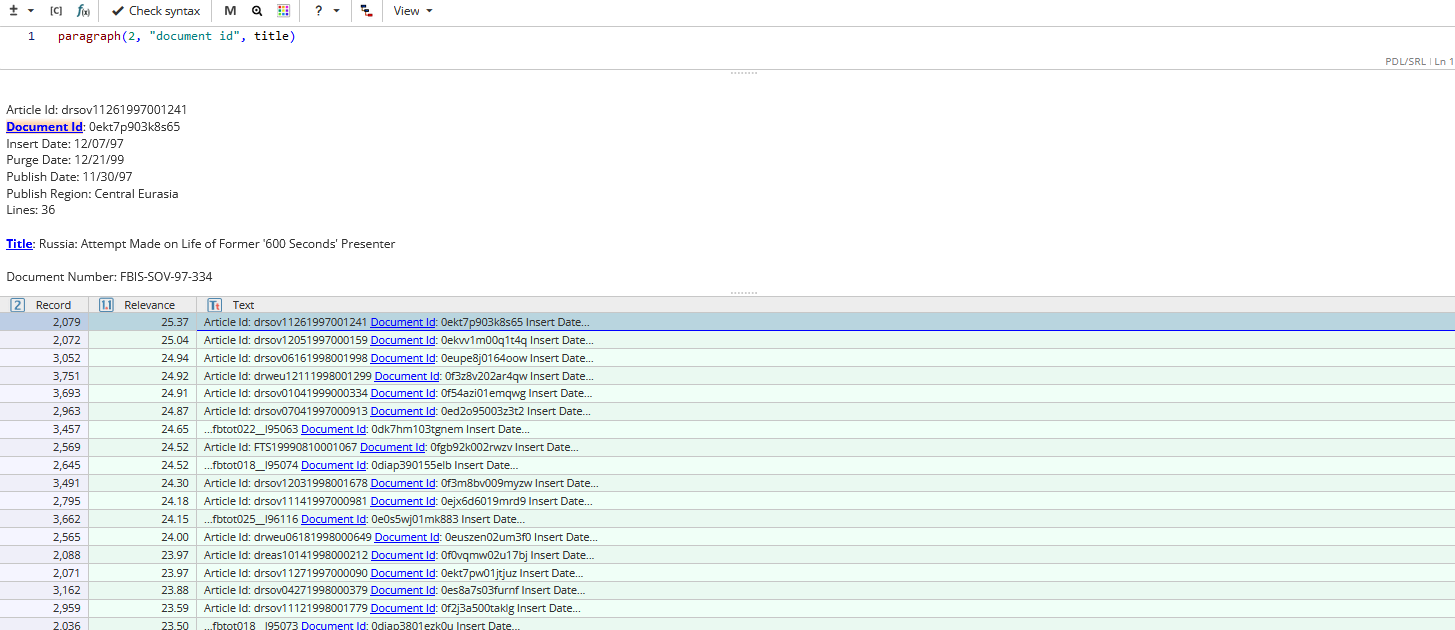
Task example: Searching for id and title of document
In order to find mentions of the id and title of a text in the corpus, the following query can be used:
paragraph(2, "document id", title)
This query searches for its arguments within two consecutive paragraphs, because they might be separated by an empty line.
Search within a dataset
The function document() is used to search within a dataset.
Syntax
This function has no required arguments. When called without arguments, it matches all words in the document.
Optional parameters min and max specify the minimal and maximal document number within a dataset. When they are omitted, the function searches within the whole dataset.
All arguments to search for must be within the same document.
The function also supports the following optional named parameters:
Parameter |
Explanation |
match:=range |
The whole fragment of text between the first and the last arguments is extracted. |
match:=arguments |
Only the arguments listed inside the function are extracted (default value). |
whole:=yes/no |
Regulates whether to extract sentences made up only by the arguments listed in the query or not (set to no by default). |
allow_punct:=yes/no |
Regulates whether punctuation marks are allowed within the sequence (set to yes by default). |
allow_space:=yes/no |
Regulates whether spaces are allowed within the sequence (set to yes by default). |
min_doc:=<numeral> |
Specifies the minimal document number within a dataset. |
max_doc:=<numeral> |
Specifies the maximal document number within a dataset. |
mode:=forward/backward |
Specifies a document’s position from the beginning/end of the dataset. |
Note
If the first or/and the second arguments are numbers, they will be interpreted as min_doc and max_doc optional parameters respectively.
When both the first numerical arguments min and max and optional named parameters min_doc and max_doc are specified, priority will be given to the latter.
Example
The function document() may be combined with functions like case(), length(), lemma(), etc.
Example
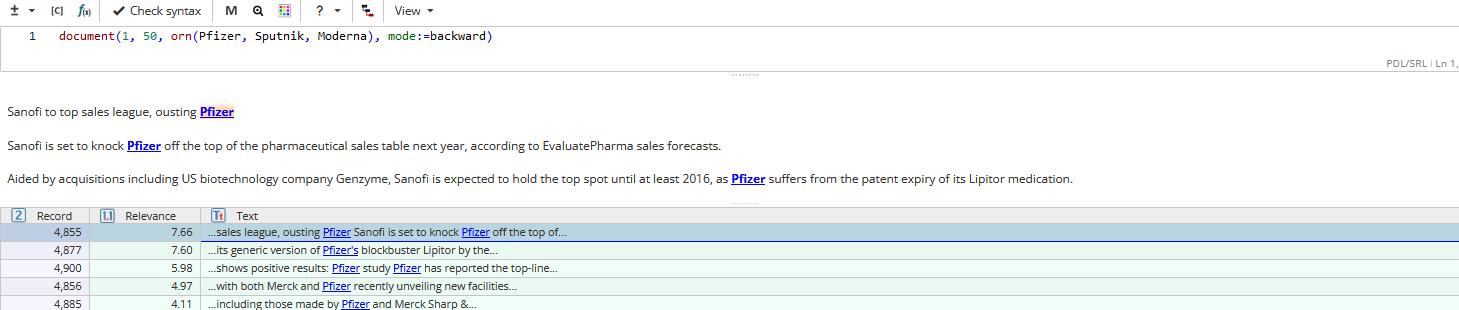
Task example: Searching for vaccine name mentions in the last 50 documents of a dataset
In order to find mentions of the names of vaccines within 50 last documents of a dataset the following query can be used:
document(1, 50, orn(Pfizer, Sputnik, Moderna), mode:=backward)