Authenticating with LDAP
LDAP is short for Light Directory Access Protocol. LDAP provides for storing credentials and the ability to manage files and other objects (such as a list of users). With LDAP, PolyAnalyst server can be integrated with an existing user profile management system such as Microsoft’s Active Directory.
| Before trying to authenticate with LDAP, make sure the LDAP server has been configured. LDAP authentication server configuration is described in the Administrative Tool guide. |
To authenticate using LDAP:
-
Enter the server address in your browser address bar.
-
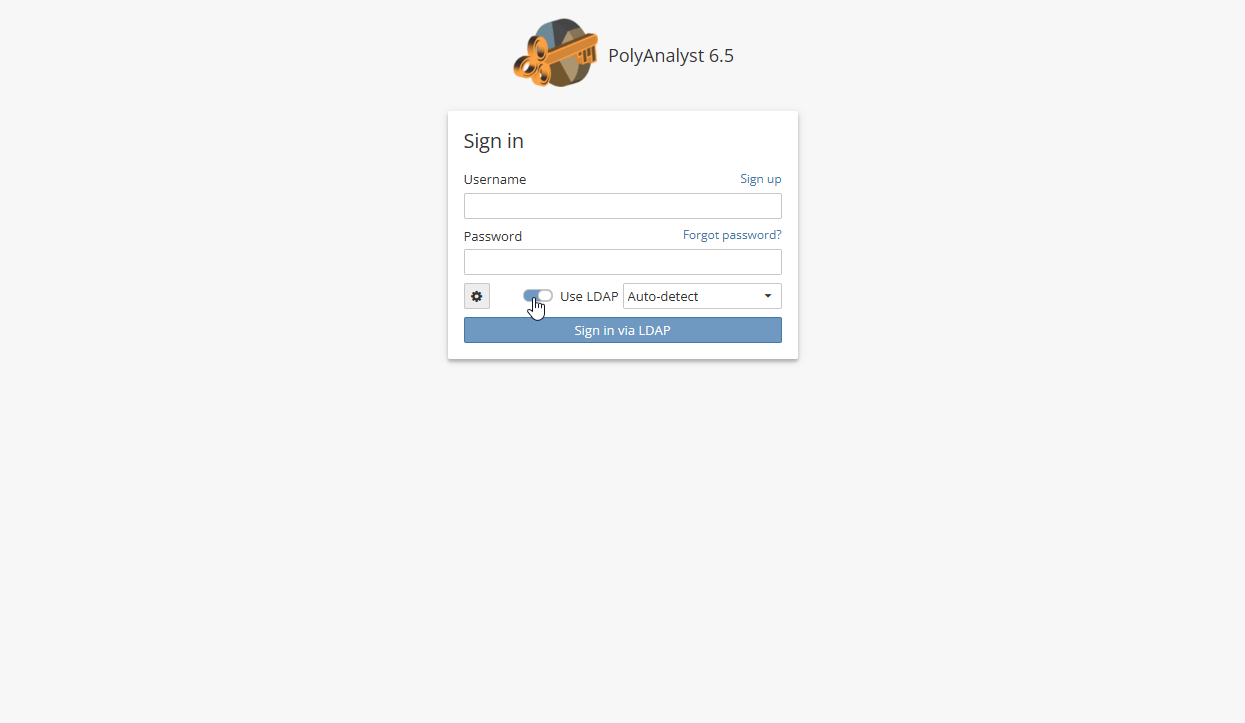
Toggle the Use LDAP button.
-
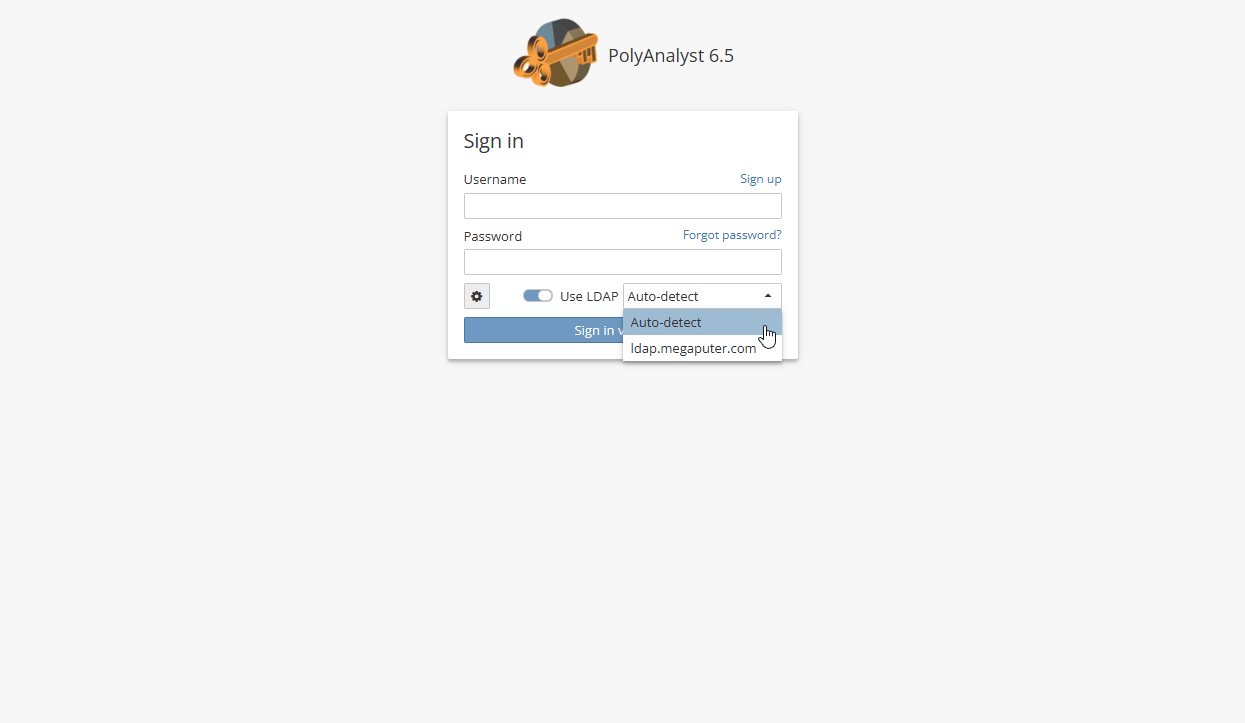
Choose an LDAP server from the drop-down menu.
-
Click the Sign in via LDAP button.