Publications dashboard
All your publications are given as a dashboard:
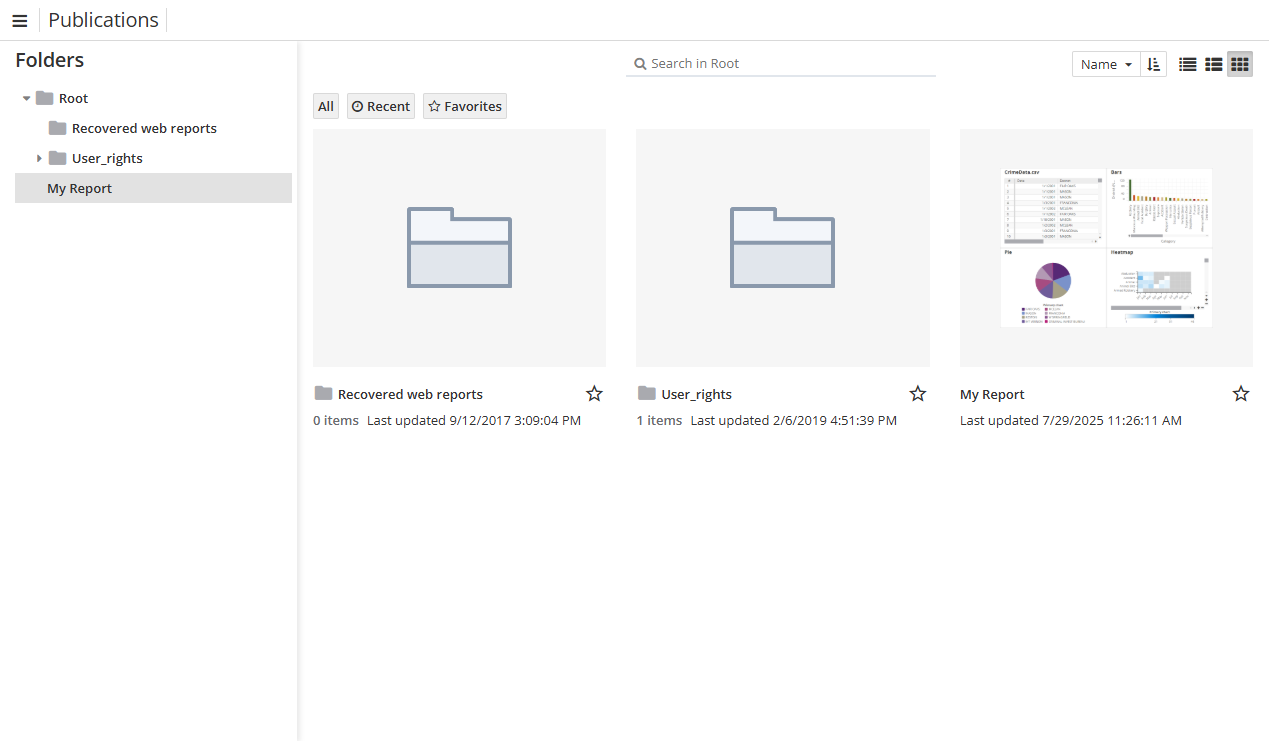
To find a particular publication, use the Search field above the list of reports.
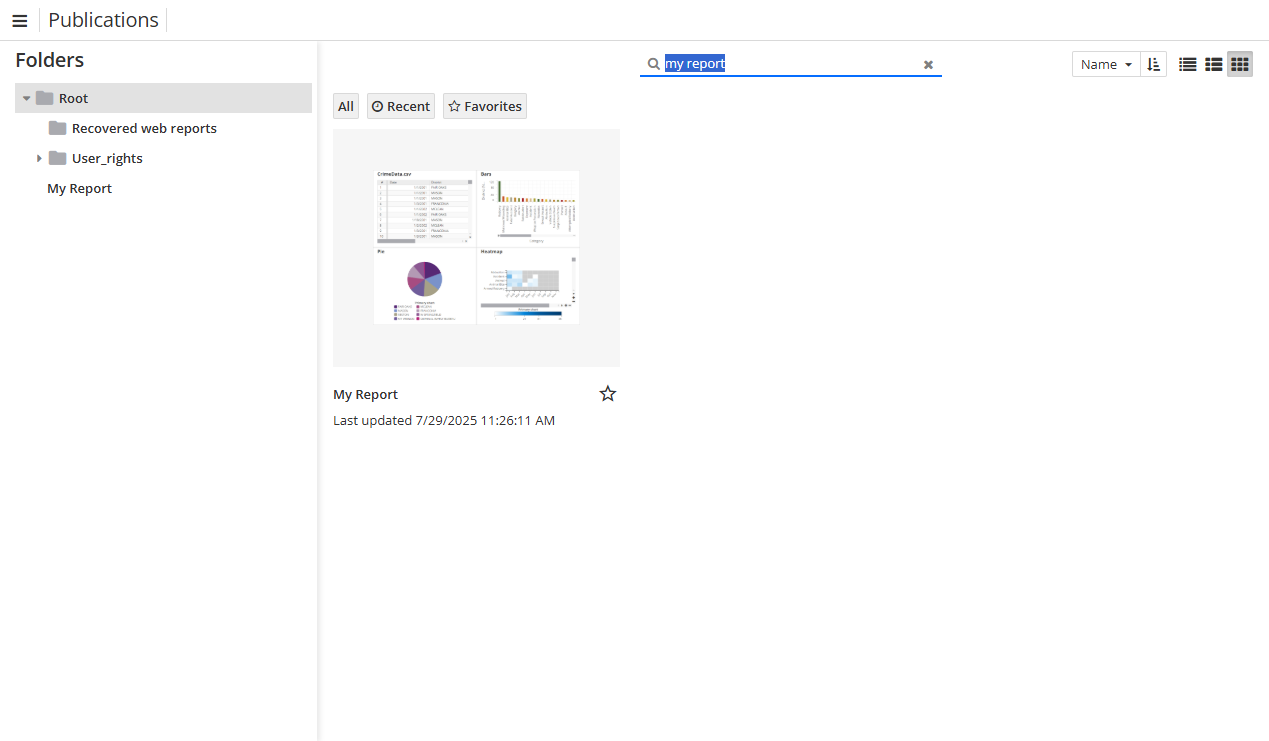
To change the layout style, use buttons in the upper right-corner:
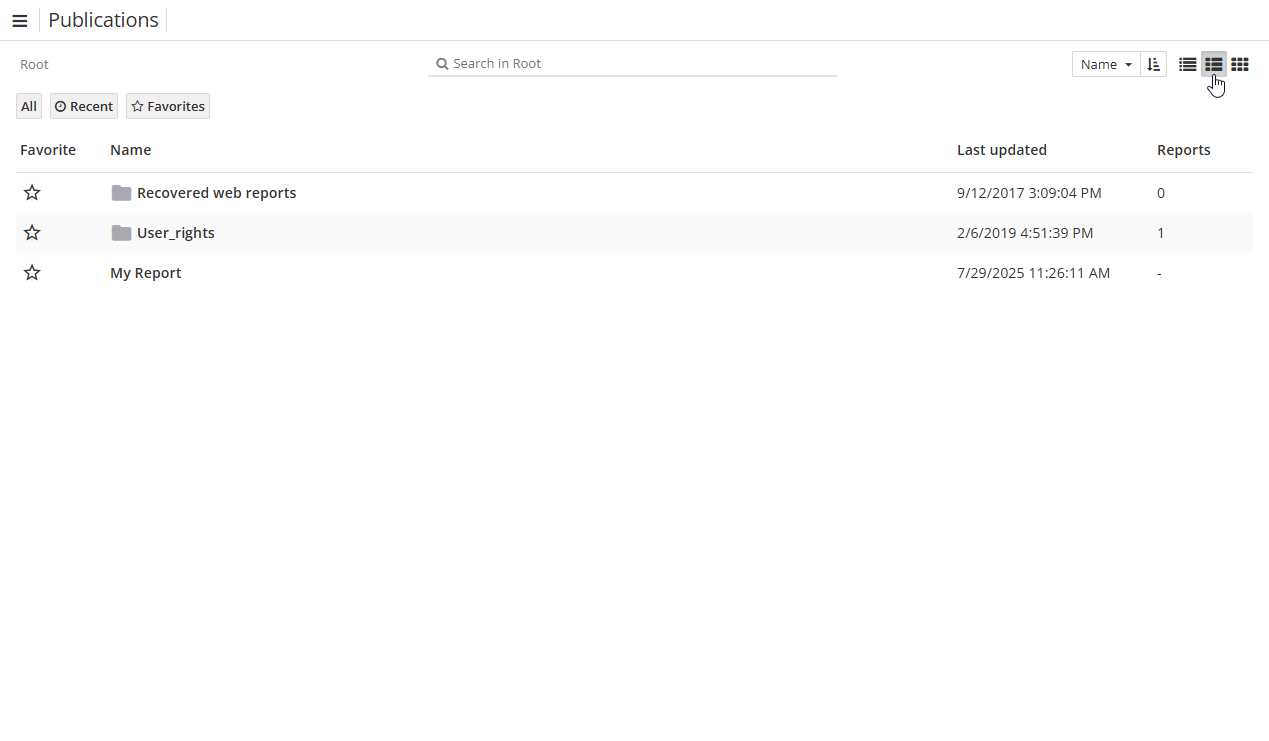
It is also possible to change the order of the publications:
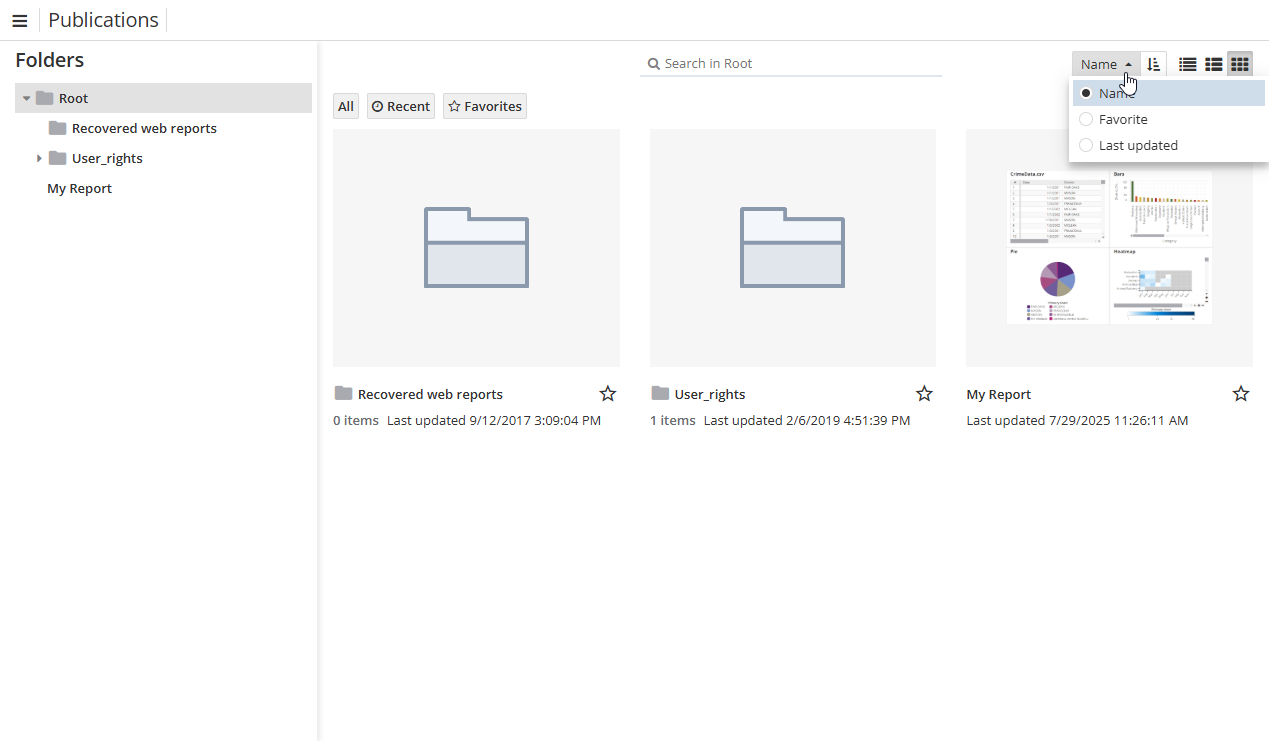
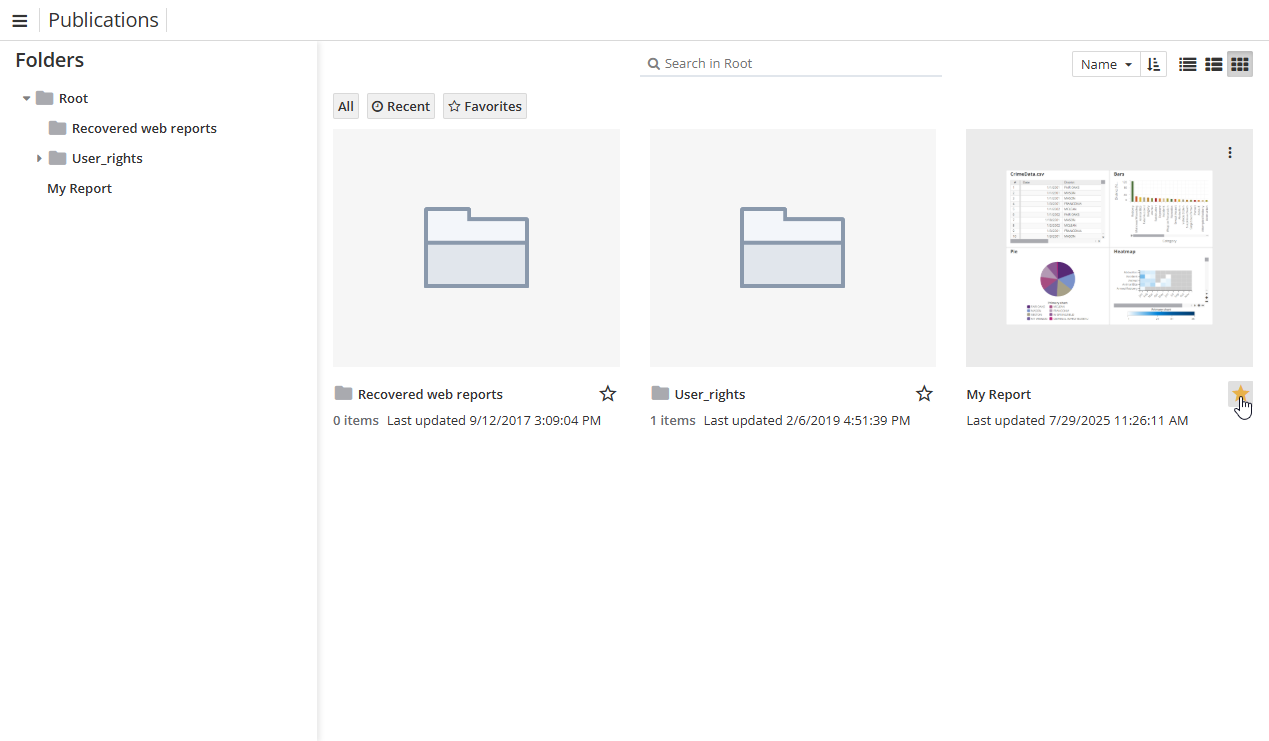
To add a report to Favorites, select it in the list and click the star button.
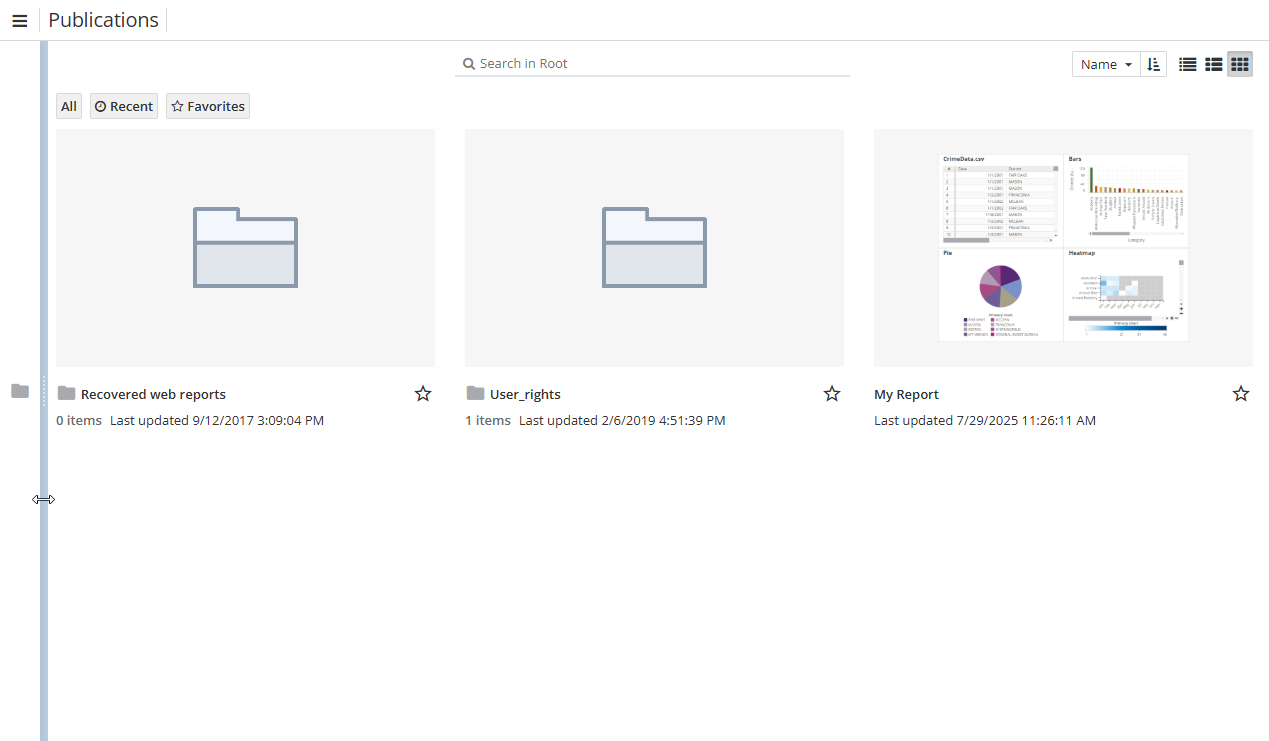
The publications tree is given on the left, e.g. one can minimize one:
Click a publication, to see a publication card.
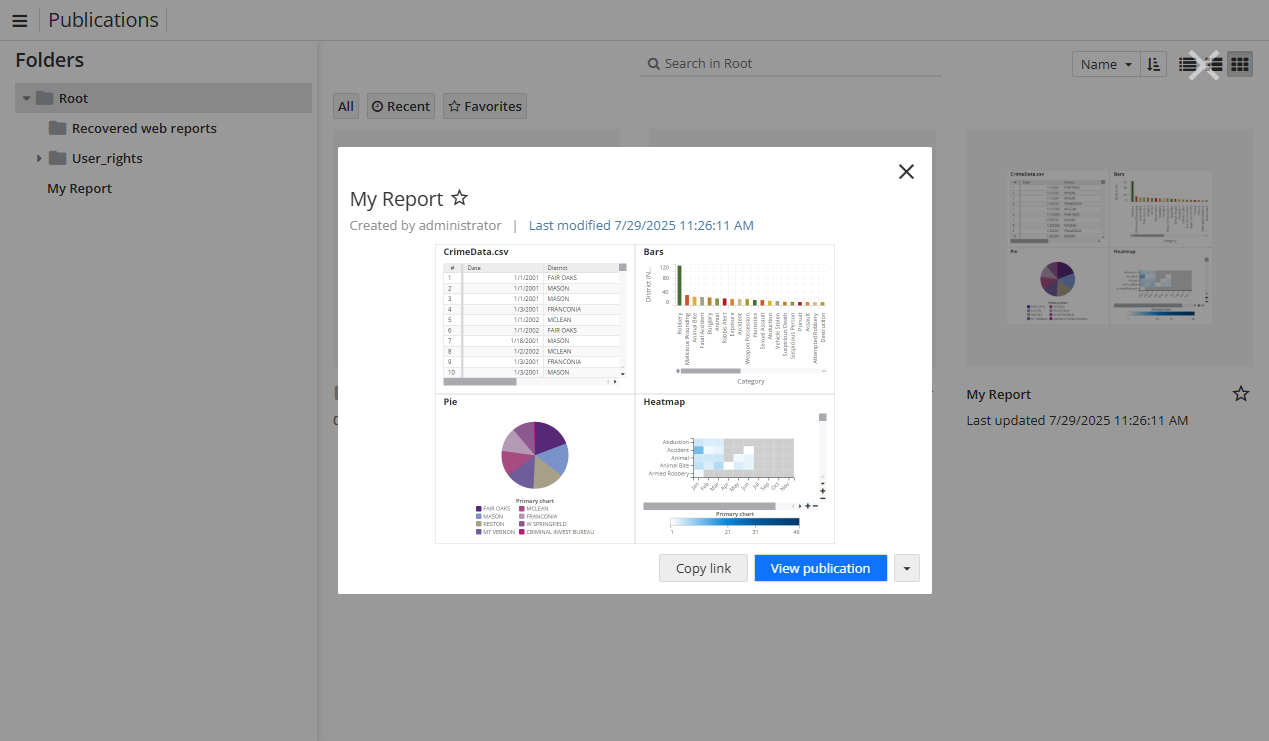
Here you can copy a link to the publication and view the publication as well.
Accessing publications as a guest
Unauthorized users can access latest publications only if the corresponding report is shared. In this case, a guest user should be provided with a direct link (available on the Share window in the Report Editor).
To create a guest publication, click the publications options and choose the appropriate option:
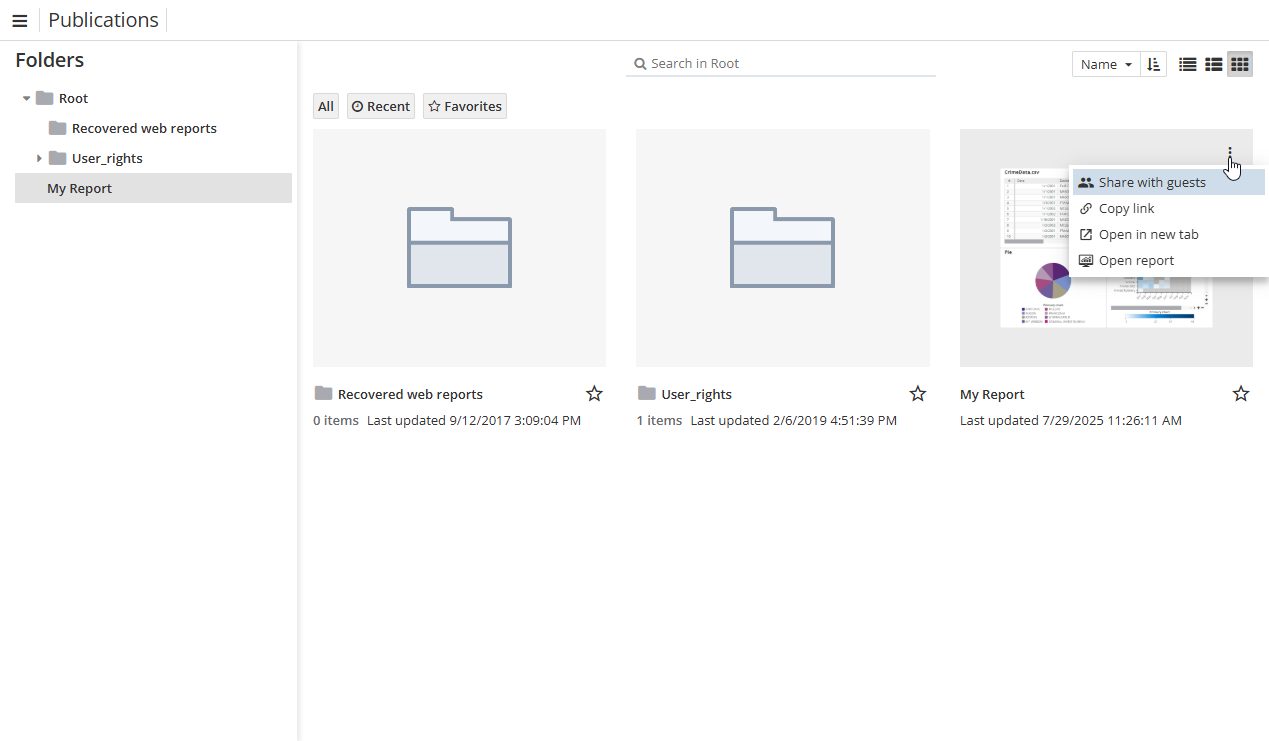
Here you can also copy a link to the publication, open it in a new tab and open an origin report.
For more information, see Creating publications section.