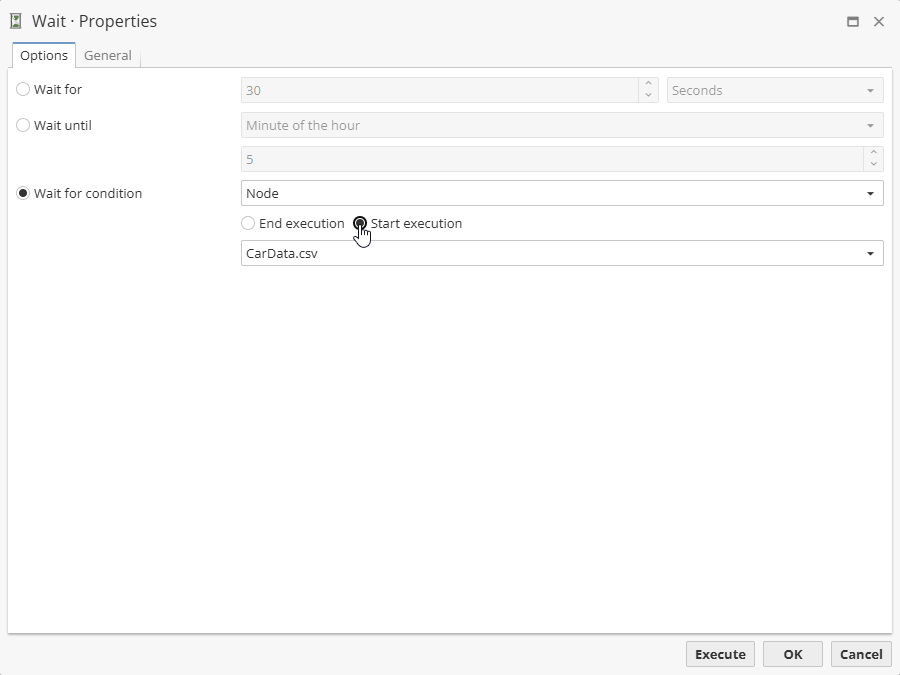
Wait node configuration
The Wait node configuration window consists of two tabs, i.e. Options and General.
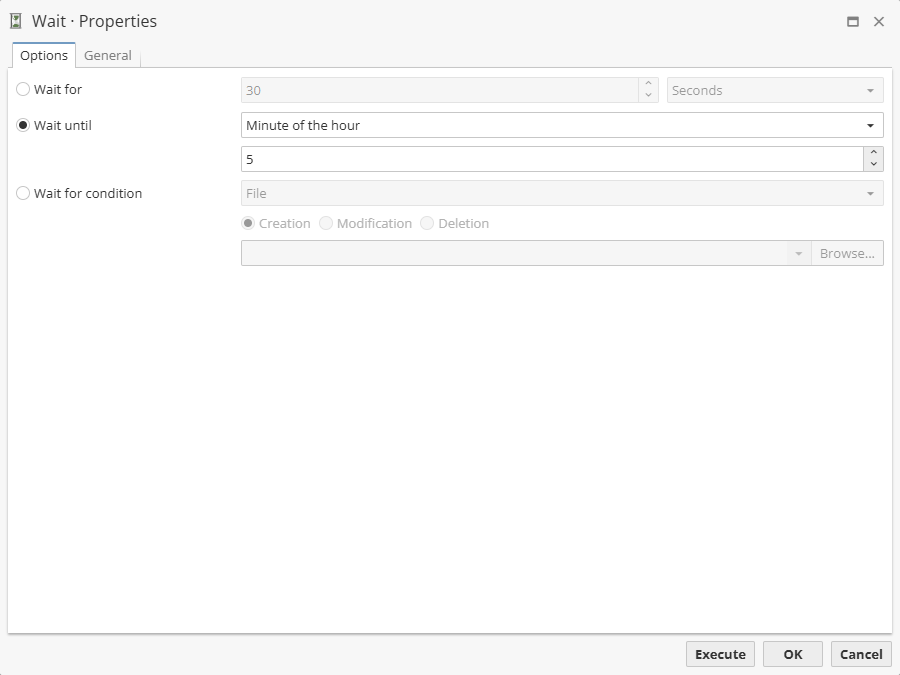
The Options tab allows you to set varios options of the delay. There are 3 different ways to set a delay, i.e.
-
Wait for – a simple time condition.
-
Wait until – a delay before a specific date, day, etc.
-
Wait for condition – a delay before some other condition is specified.
Let’s describe each option in detail.
Delay settings
The Wait for option allows to set a timer.
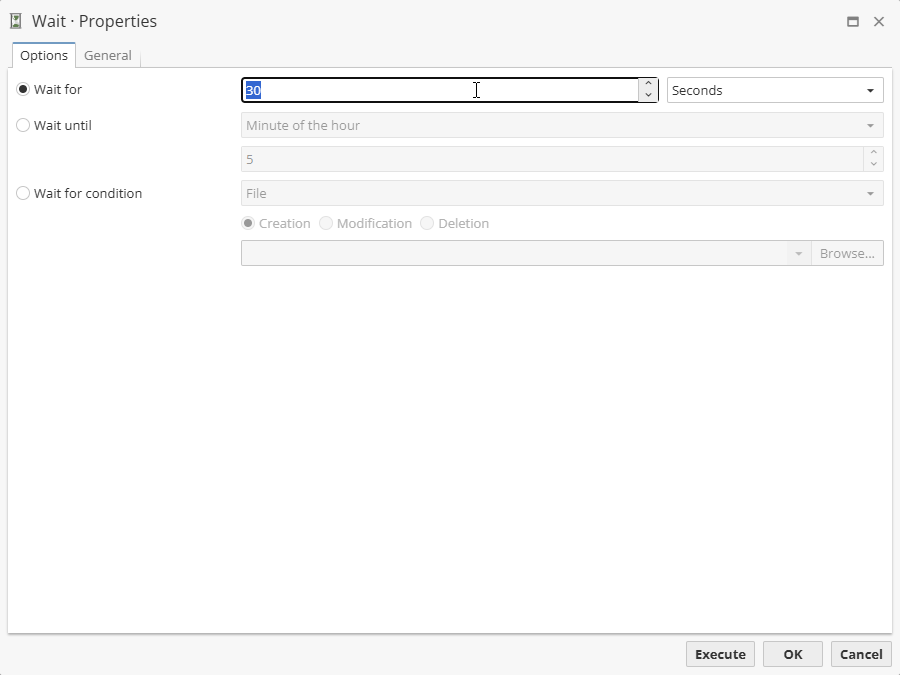
The value can be given seconds, minutes or hours.
The Wait until option allows to set a specific time.
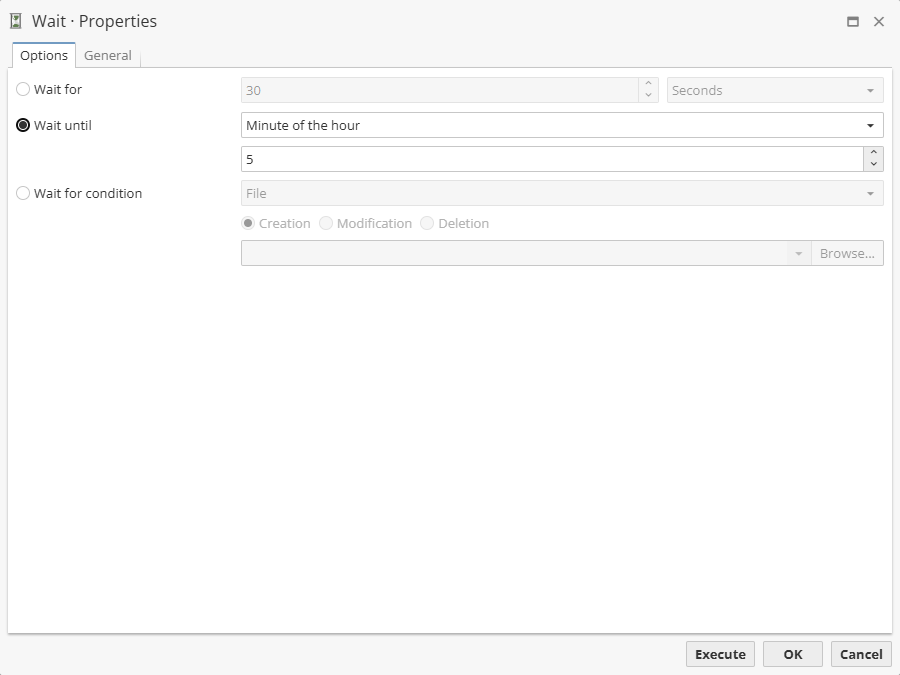
Thus, one can use following options
-
Date time – sets a date and time.
-
Time of day – sets a time of each day a script is executed.
-
Day of the week – sets a day of the week as well as specific time.
-
Day of month – sets a number of a day of month as well as specific time.
-
Minute of the hour – sets a minute value to execute subsequent nodes every hour and the given minute.
The Wait for condition option allows to set two conditions, i.e. File or Node.
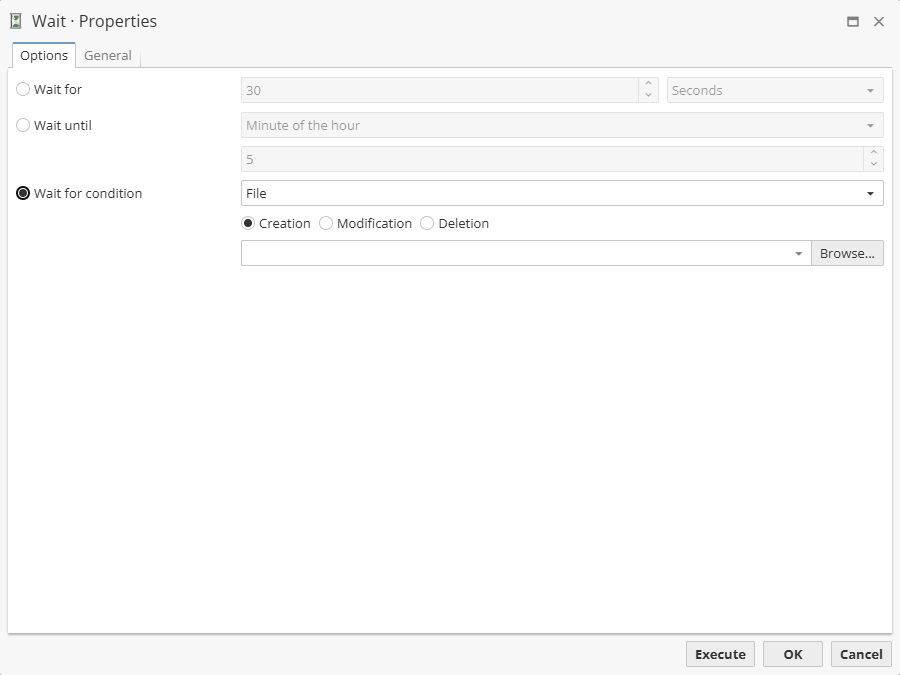
When the File mode is used, choose a condition to execute the child nodes, e.g. on file Creation, Modification, and Deletion. This can be quite useful to execute the node, e.g. when a log file is created. Click the Browse button to choose a file. When the Node mode is used, it is needed to choose a node and the condition, i.e. the Wait node execution will start either by End execution or by Start execution condition.