Contacting technical support
We are pleased to offer you phone, email, and on-site technical support. See our website for contact details.
Determining your PolyAnalyst version
When speaking with our specialist, you may be asked to identify the version of PolyAnalyst you have installed. To find it out:
-
Open the PolyAnalyst Analytical Client and select the About option in the Help menu, or
-
Select the About PolyAnalyst option in the Windows Start menu:
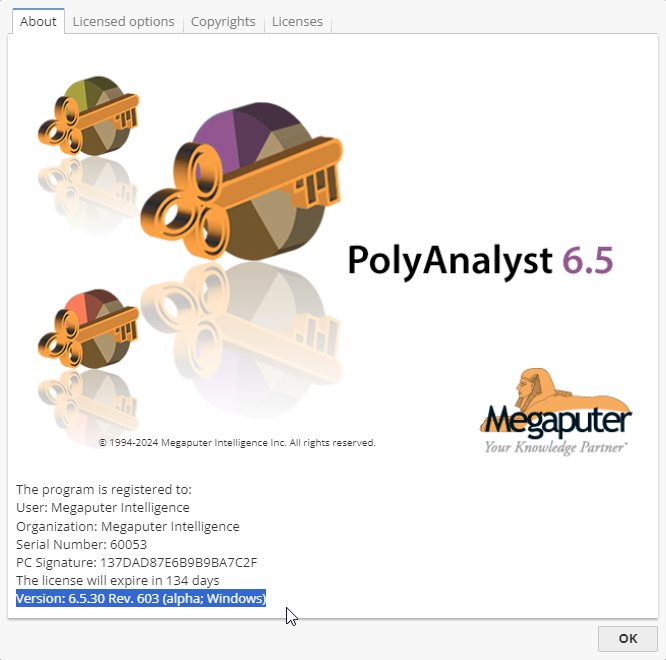
The version number is displayed at the bottom of the About tab.
For example, on the screenshot above the version is indicated as Version: 6.5.30 Rev. 605 (alpha; Windows).